Configuration Profile
The ShowShark configuration profile sets up Wireshark’s layout and colours to make device and protocol information easier to see. You can customise it later, but for now we’ll use the ShowShark defaults.
-
ShowShark-specific columns: Shows relevant entertainment information in the packet list.
-
ShowShark-specific colours: Highlights packets by entertainment protocol, making them easier to distinguish.
Enable the ShowShark Profile
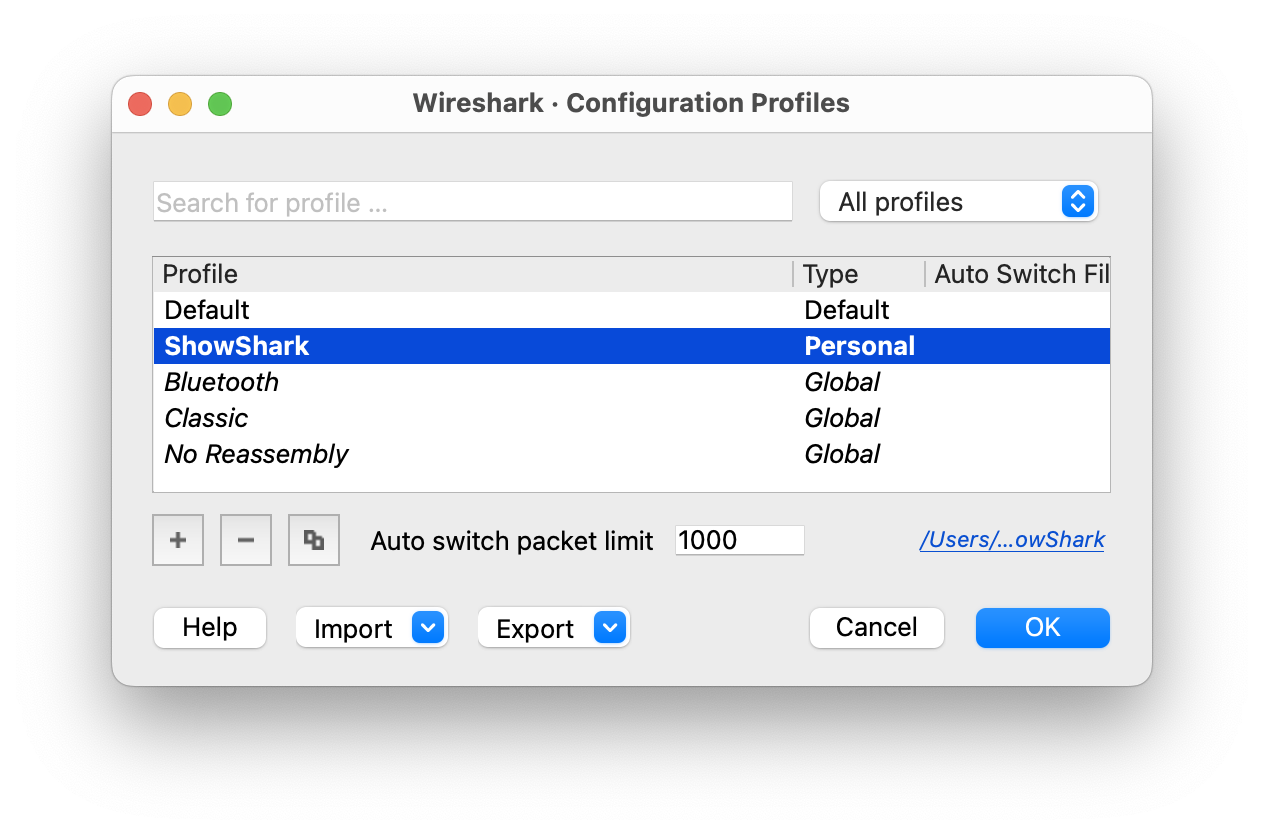
ShowShark creates its configuration profile when the plugin first loads. To enable it:
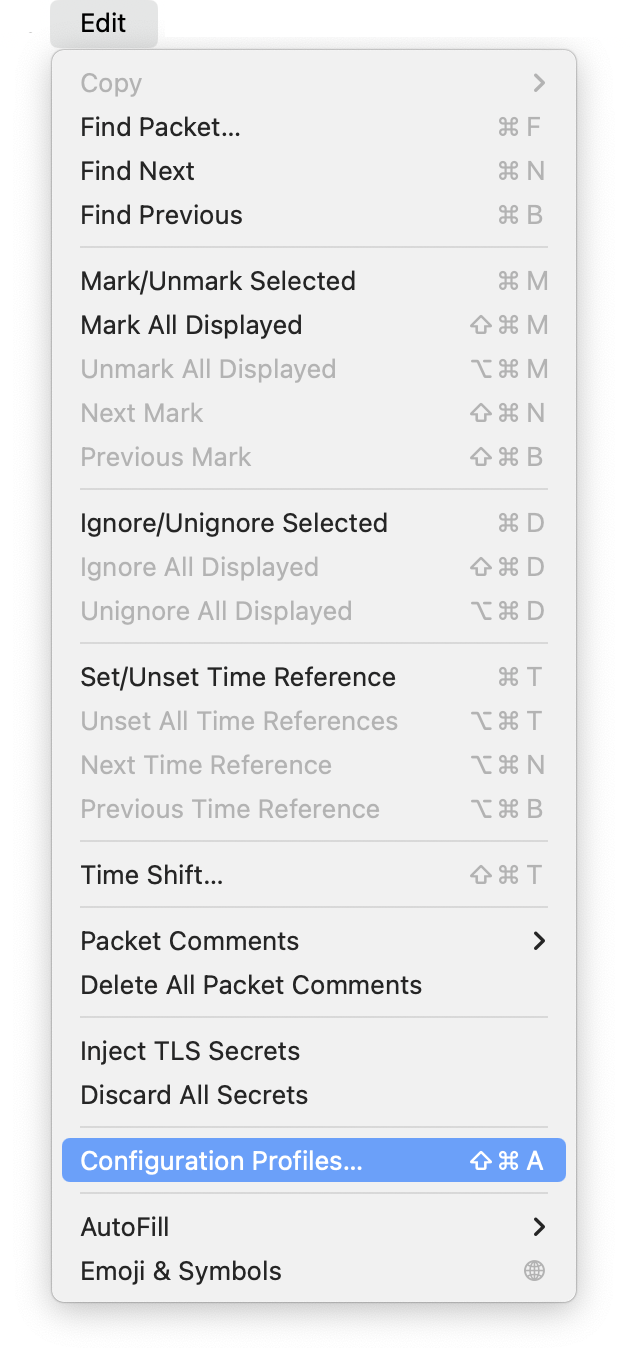
- Go to Edit > Configuration Profiles
- Select the ShowShark profile from the list
- Click OK to apply the profile