Configuration Profile
Wireshark uses configuration profiles to manage settings like layouts, column settings, colour filters and other preferences. ShowShark creates a dedicated profile that gives you:
-
ShowShark-specific columns: Designed to show relevant entertainment information in the packet list. You can customise the columns to suit your needs or reset them at any time via Tools > ShowShark > 2 Displays > Reset Columns.
-
ShowShark-specific colours: A specially selected set of colour rules that highlight packets based on entertainment protocol type, making it easier to visually distinguish in the packet list. The colour rules can be reset to the ShowShark defaults at any time via Tools > ShowShark > 2 Displays > Reset Colours.
Enabling the ShowShark Profile
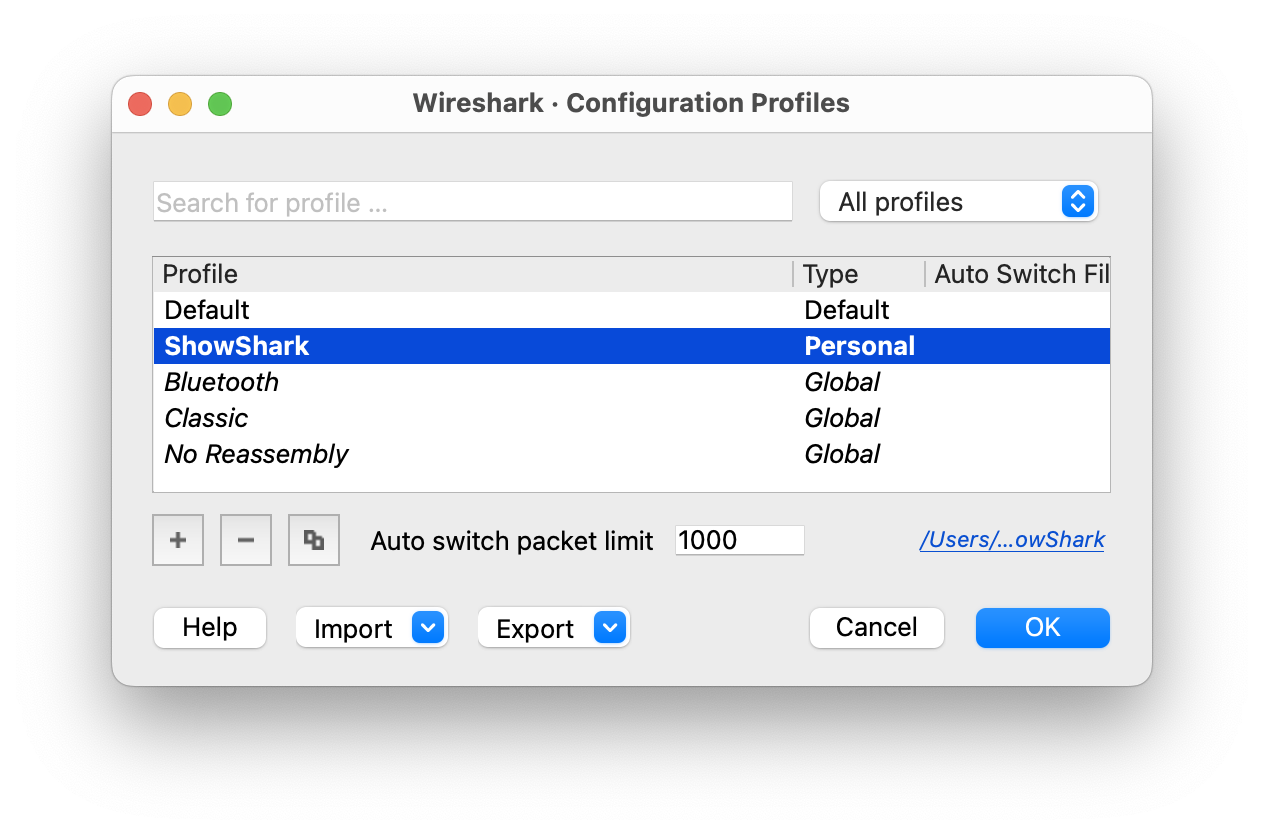
When you first load the ShowShark plugin, a dedicated ShowShark configuration profile is automatically created. To activate it:
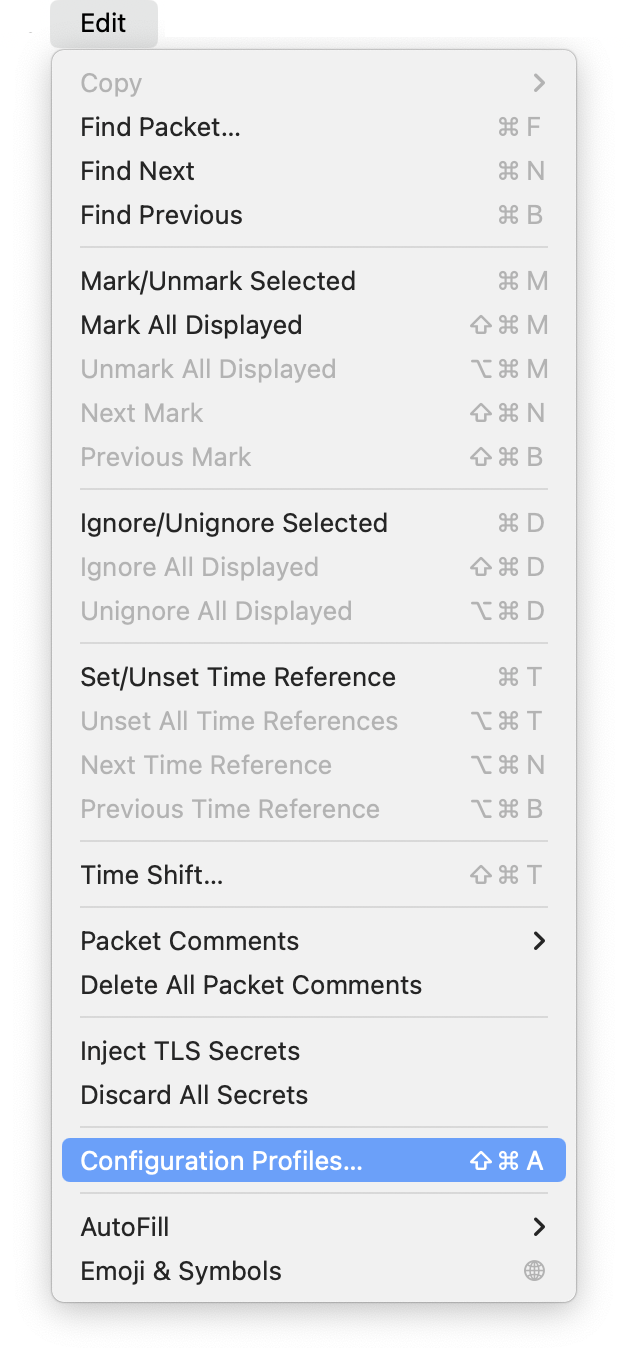
- Go to Edit > Configuration Profiles
- Select the ShowShark profile from the list
- Click OK to apply the profile